

Wishlist popups
Where: Manage Wishlist → Wishlist Popup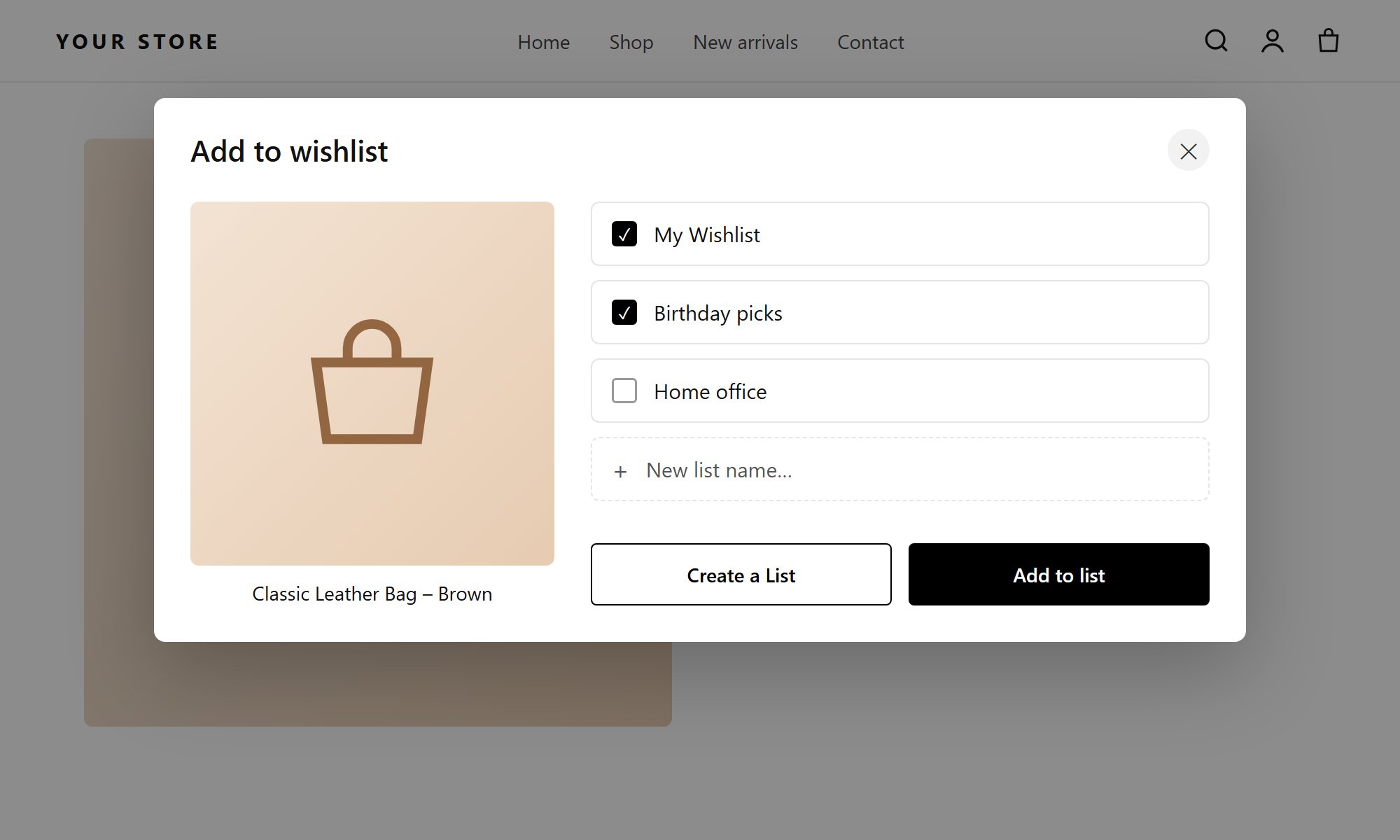
The Add to wishlist popup: shoppers tick one or more lists, or create a new one
- Modal Background and Modal Text Color
- For each button: Background, Hover Background, Text Color, Hover Text Color, Border Color, Hover Border Color
- Close button (X): Background, Icon Color, Hover Icon Color
Add to wishlist, Create a List, Add to list).
Every section has Reset to Defaults. Defaults are a white popup with black text and black buttons. Delete buttons are red (#d32f2f).
The Add to Wishlist popup is the list chooser shoppers see when they click a heart in multiple-list mode. In single-list mode it is skipped.
Error messages
Where: Manage Wishlist → Error Messages About 60 messages shoppers can see, grouped into:- Storefront & Cart Messages
- API & Backend Action Messages: sharing, plan limits, single wishlist mode, account and others
Some messages contain placeholders, which the app replaces when it shows the message:
{listName}, {wishlistName}, {privacy}, {count}, {remaining}. Keep them in your text.
All messages can be translated.