Where: Manage Wishlist → Cart
Move to Wishlist on a cart line

Move to Wishlist on a cart line

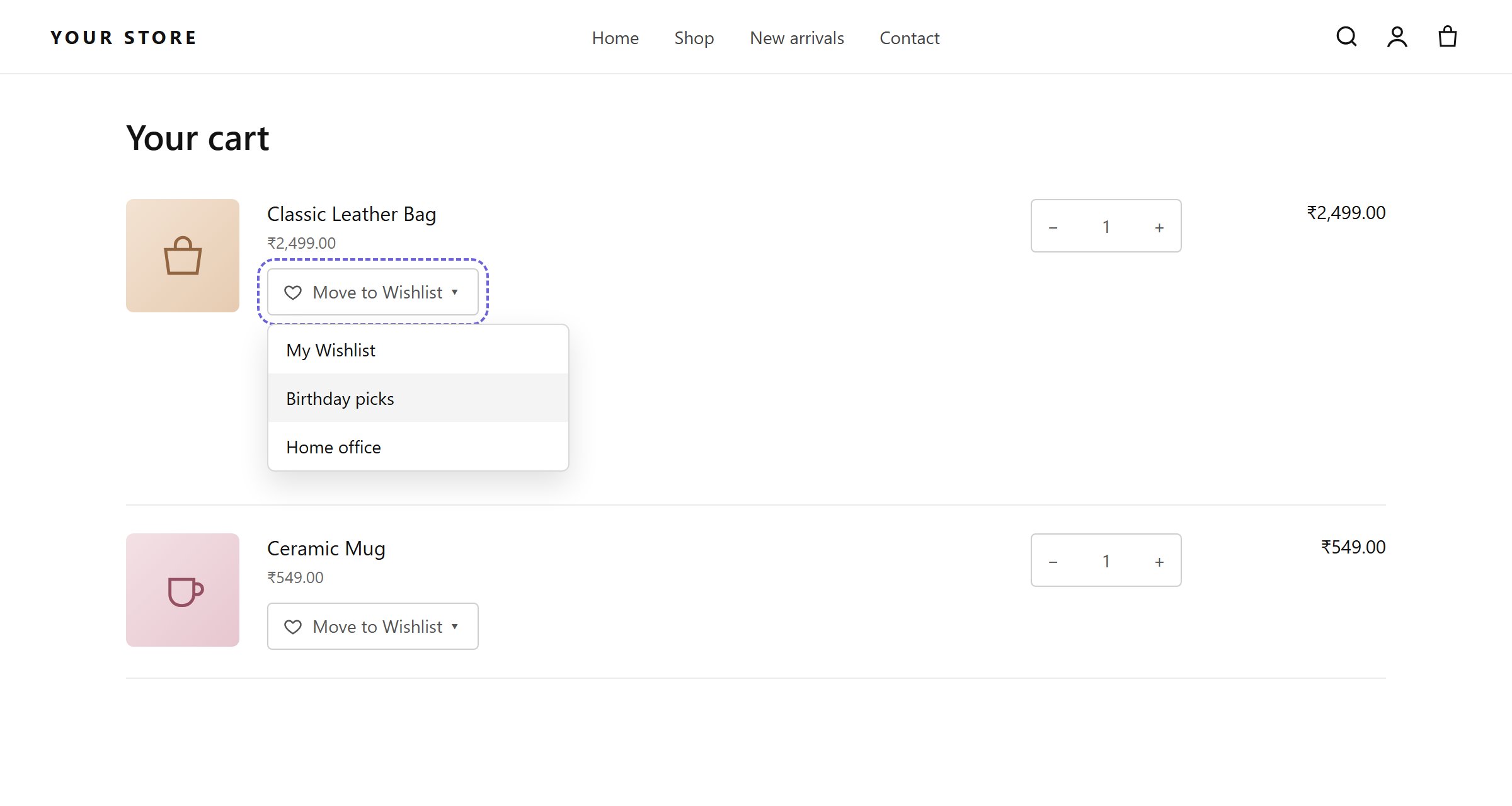
Shoppers often remove items from the cart because they are not ready to buy, not because they don’t want them. With this feature they can move an item to a wishlist instead, so you keep the item and the shopper’s interest.

Turn it on

Under Select Features, tick Allow shoppers to save items before removing them from the cart. Each line on the cart page then gets a Move to Wishlist control with a list picker.

Settings

Selectors that work on common themes: .cart-item__info, .cart-item__quantity, .cart-item__totals, td:nth-child(2).

Place it by hand

Add this inside your cart template’s line item loop, near the Remove link:
See Manual placement for themes with unusual cart markup.