

Wishlist nav shortcode
Where: Manage Wishlist → Wishlist Nav Shortcode Lists the shopper’s wishlists as links, for example in your header, account dropdown or mega menu. Clicking one opens it on the wishlist page.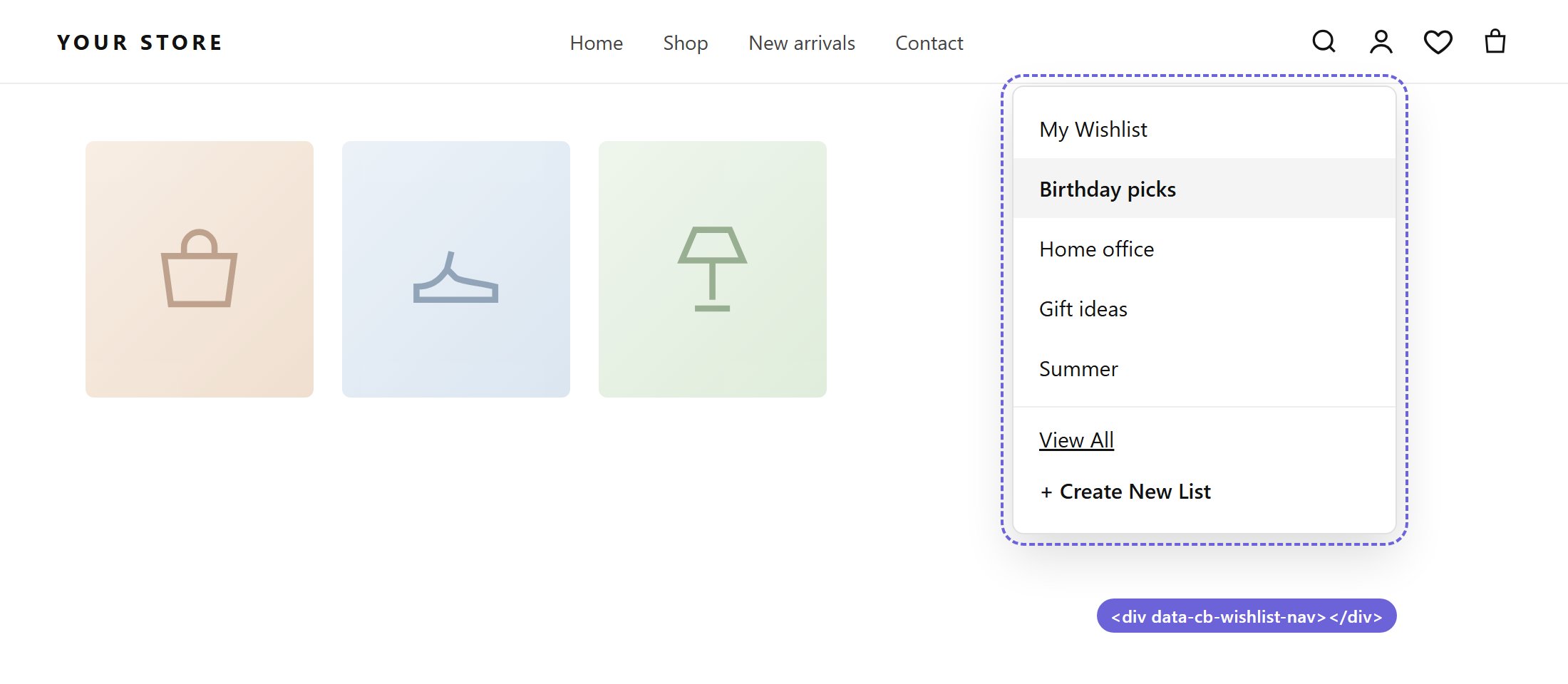
The nav shortcode inside a header dropdown
Each placement can override these settings with attributes, for example
data-limit="3" or data-page="/pages/my-wishlist". See the full attribute list.
In single-list mode, the menu shows one link to the shopper’s wishlist.
Recently viewed swatches
Where: Manage Wishlist → Recent Swatches Shows small swatches of the variants a shopper viewed recently. They can jump back to a product, or add every remembered variant to a wishlist at once.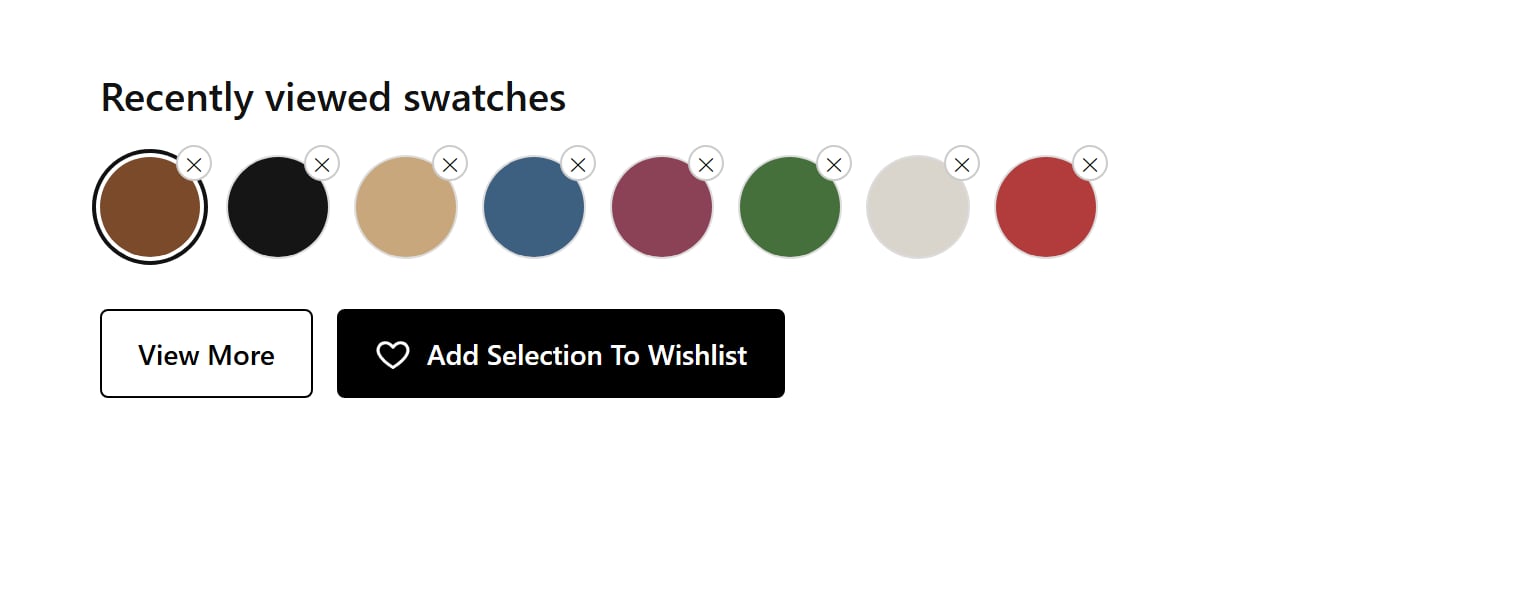
Recently viewed swatches
Placement
- Automatic
- Snippet
Enter a Theme element selector and choose Where to place the strip: Inside, Before or After that element.
Settings
Eight Custom classes fields let you add your own CSS classes to each part of the strip.